Try Google Chrome now, no sign-up needed
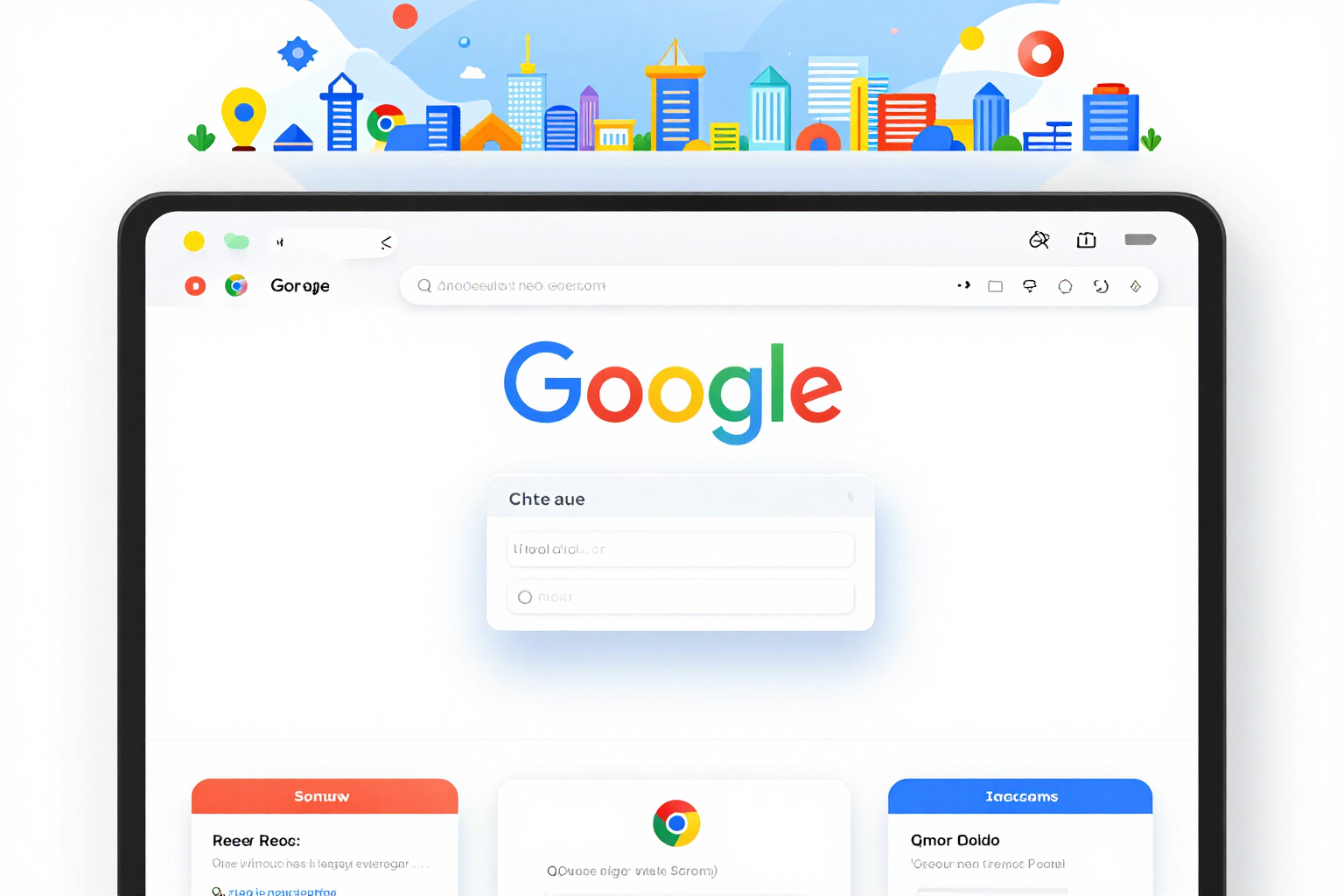
Google Chrome · Listing assets, Manifest V3 and paperwork, measured to the pixel
Icons 128/48/32/16, 1280x800 screenshots with no alpha channel and 440x280 and 1400x560 tiles; a manifest with the minimum permissions and the literal warning the installer will see; and the complete dashboard listing, privacy policy included. Every file is read again and measured before delivery: if it doesn't match the specification, it doesn't go out.
In the features that use AI, responses are generated by artificial intelligence and are not a substitute for professional advice.
每次活動都得把同一個創意素材重做成三種格式、五種語言嗎?
Ads Image Studio 以您產品的真實照片為基礎,產生四種廣告變體,讓您從中挑選一個。接著您可以編輯、輸出缺少的格式,或在保留畫面的前提下轉成其他語言。一切都不會自動產生:每張圖片都由您決定是否要產生。
See the tools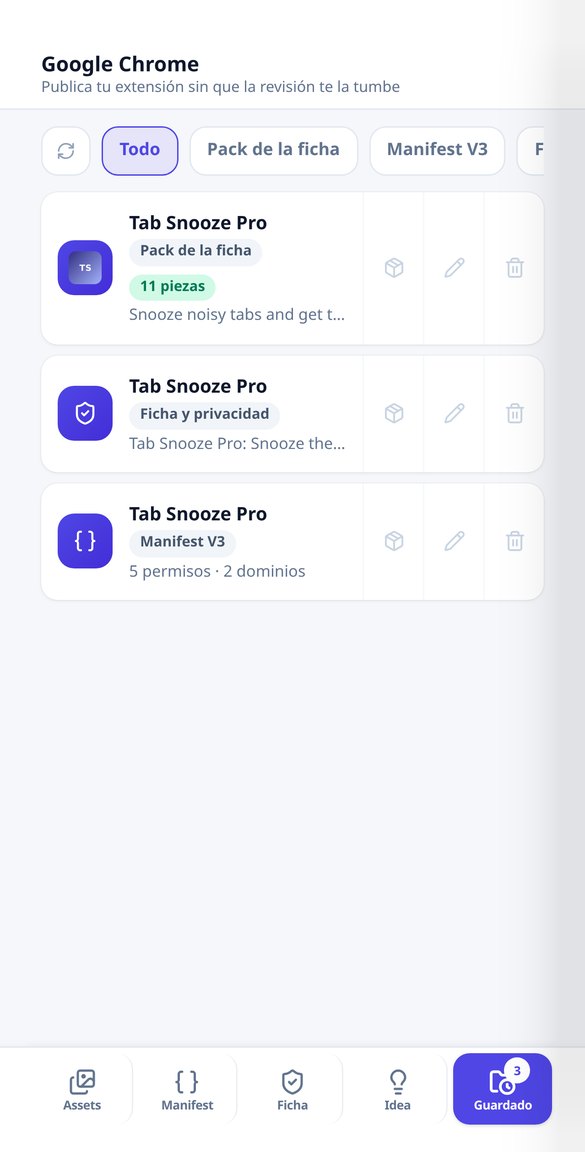
Discover every feature in detail
Chrome Web Store asset pack: icons 128/48/32/16, screenshots 1280x800, and tiles
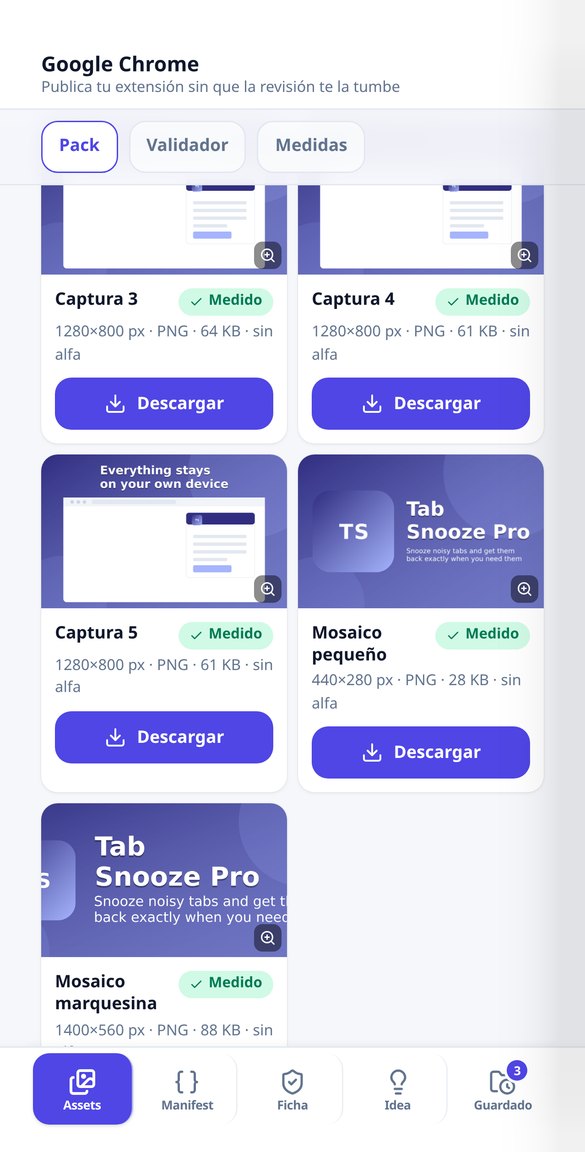
Generate the 128/48/32/16 icons for your extension, the 1280x800 screenshots without alpha channel, and the 440x280 and 1400x560 tiles all at once. Each file is remeasured before delivery and comes in a ZIP with icons/ and store/.
Try it free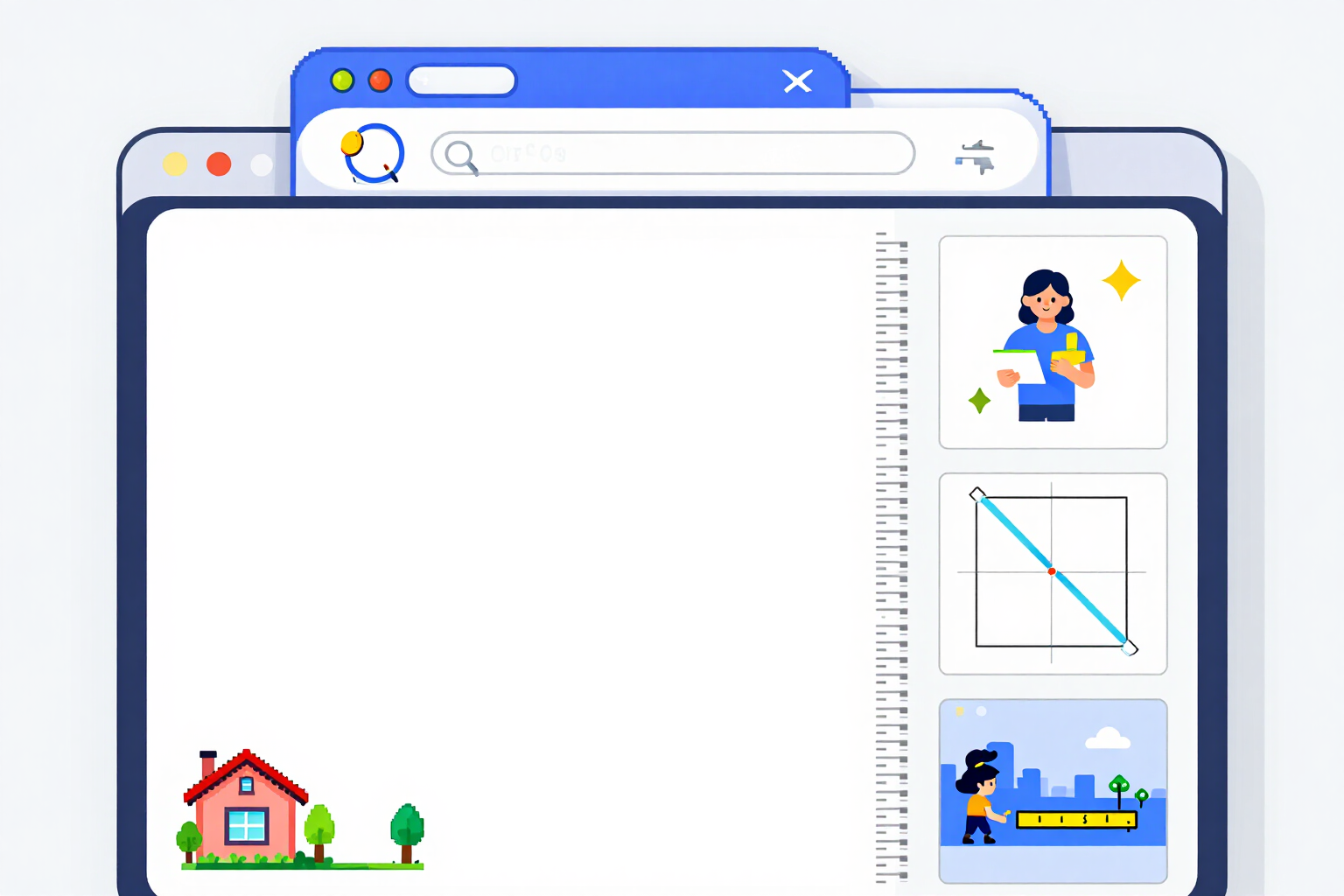
Image Size Validator for the Chrome Web Store: Measure and Crop Online
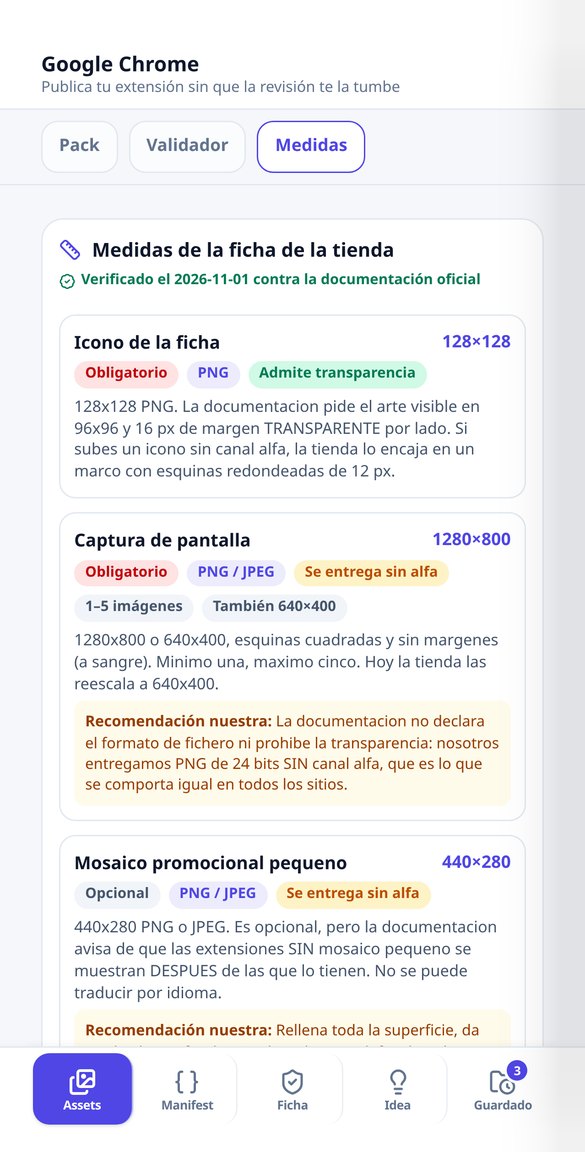
Check pixel by pixel if your images meet the Chrome Web Store measurements —icon 128x128, screenshot 1280x800, tile 440x280, banner 1400x560— and download the crop of each one. Detects actual transparency. Free, no account and no uploads: works in your browser.
Try it free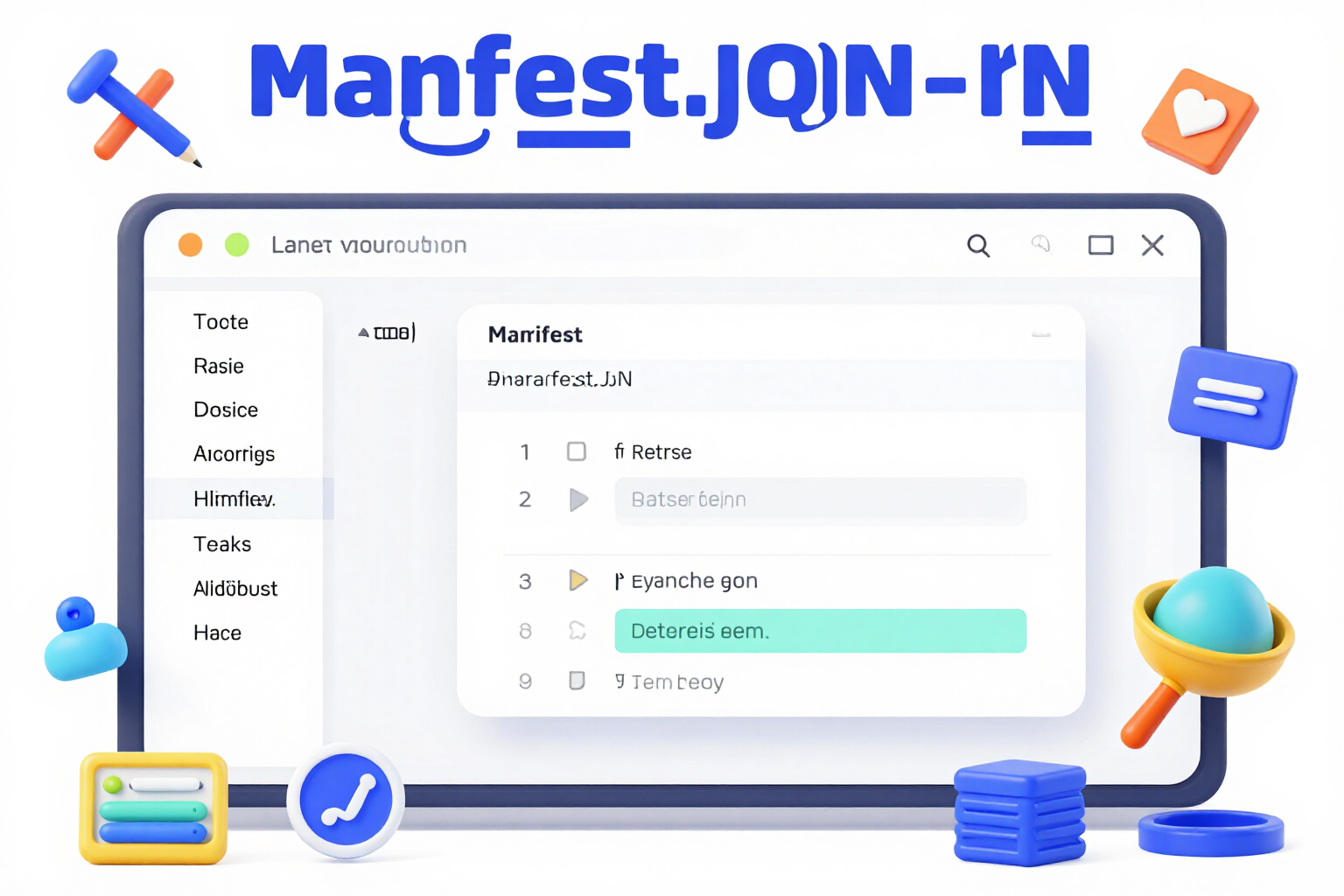
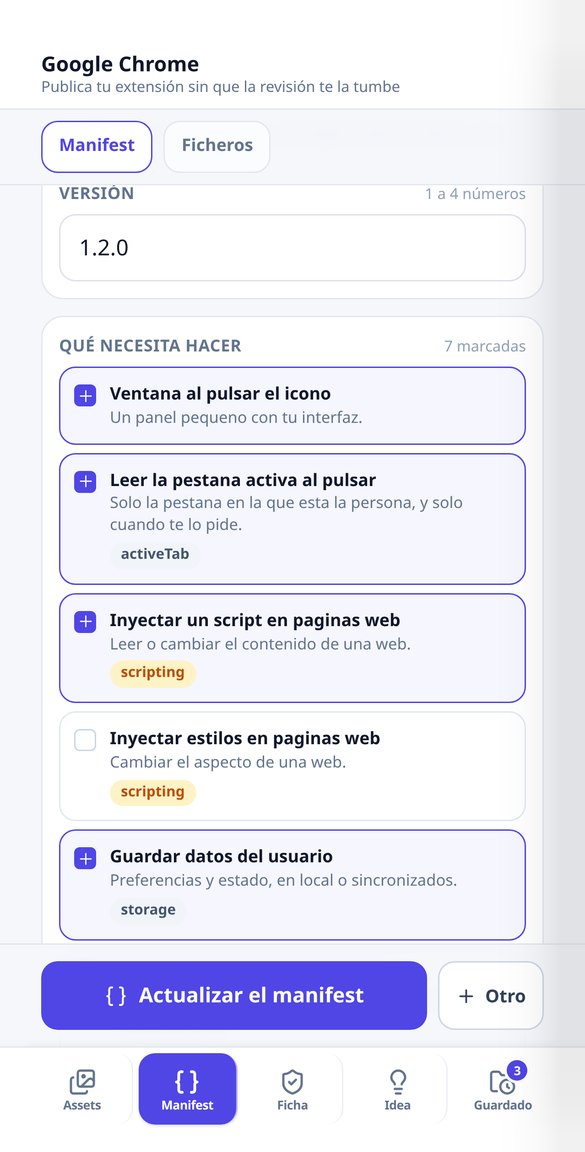
Manifest V3 Generator for Chrome Extensions: Minimum Permissions and Notices
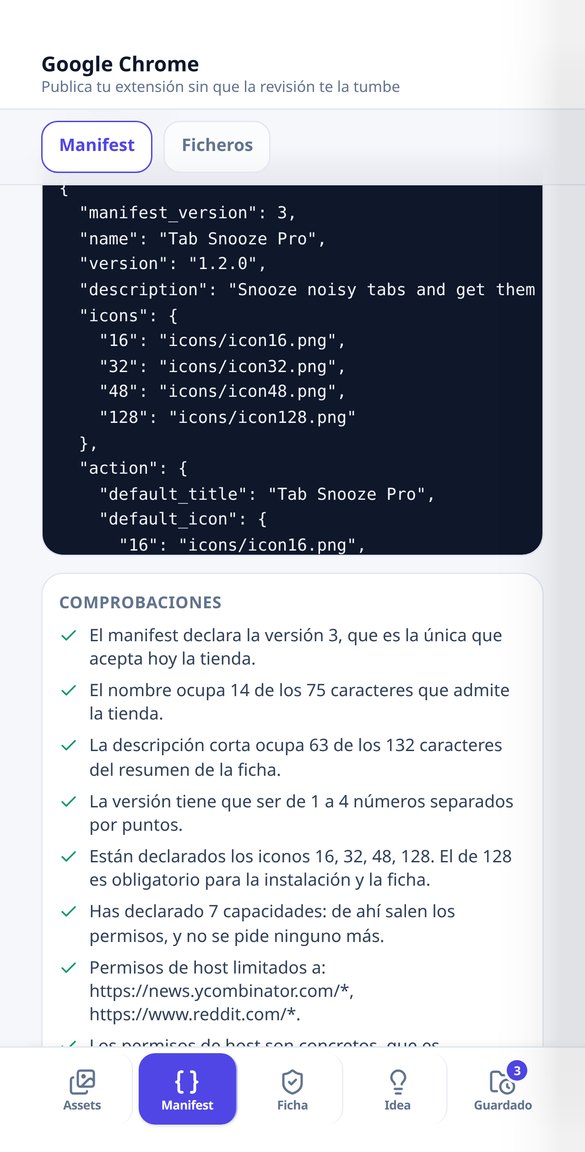
Create your Chrome extension's manifest.json by selecting what it does: the app deduces the minimum permissions from a catalog of 34, shows you the literal notice that users will see when installing, and validates name, description, version, and icons. Free, no account, and no AI.
Try it free
Permission notices when installing a Chrome extension: what the user will see
See the literal text that Chrome displays when installing your extension for each permission you declare: 'Read your browsing history', 'Read and change your data on your domains'… along with its risk level and how to avoid it. Free, no account, and no AI.
Try it free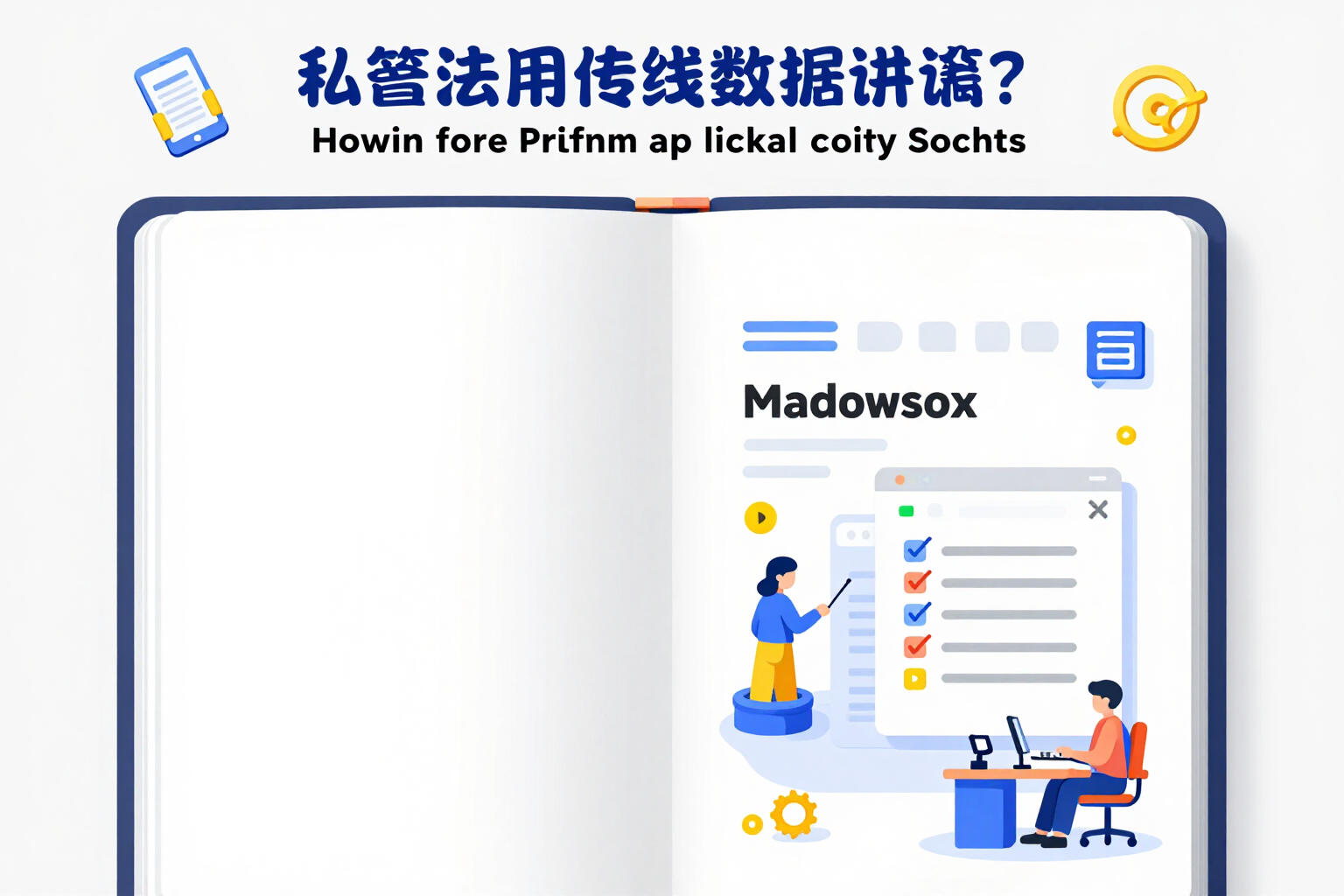
Privacy policy and listing for Chrome extensions: free template
Generate the privacy policy for your Chrome extension, the listing description, the unique purpose, and a justification for each permission for free and without an account. Deterministic template in Markdown, no AI.
Try it free
Write your Chrome extension listing with AI: description, permissions, and privacy
Draft with AI the description for the Chrome Web Store, the unique purpose, justification for each permission, and the privacy policy of your extension. The 132 characters and permission coverage are verified by the app.
Try it freeFour tools for a listing prepared for review
Ads Image Studio 如何從頭到尾處理您的活動。
Listing asset pack, piece by piece
From 5 to 11 files in a single pass: the four 128/48/32/16 icons with their transparent margin, up to five 1280x800 screenshots flattened and checked for no alpha channel, the small 440x280 tile and the 1400x560 marquee. A single image call per pack —and none if you choose a flat monogram or upload your own image—, with free recomposition on the same base art. The label is drawn by the server, never by the image model: its prompts forbid text, letters and logos.
Manifest V3 with the minimum permissions and their real warnings
You tick, in plain language, what your extension needs across 24 capabilities and the app deduces the essential permissions from a catalogue of 34, with the literal warning Chrome will show at install —tabs reads "Read your browsing history"— and its risk level. It returns the validated manifest.json, the file tree and the initial skeleton for each one: service worker, popup, options, side panel and content script. Free, no account, up to 10 manifests per session.
The dashboard listing and privacy policy
Short description within its 132 characters counted in real glyphs, detailed description, single purpose, a justification for every declared permission —including host permissions—, remote code declaration, data usage and a privacy policy ready to publish. Template level: deterministic, no AI and no account, up to 6 listings per session. Custom level: a single text call that rewrites it for your extension.
From your extension folder to a listing ready to submit, in three steps
註冊
幾秒鐘內建立帳號。
建立您的活動
每項產品建立一個活動:描述產品、上傳照片,並加入您的標誌、色彩與品牌語氣。這些背景資訊會帶入所有創意素材。
生成、調整、匯出
撰寫簡報,或請 AI 給個靈感,選擇方向與風格,留下效果最好的變體,再依 Meta、Google Display 或 LinkedIn 的尺寸裁切下載。
Frequently asked questions
Latest blog articles
Guides and news to get more out of it

One extension, four stores: publish on Chrome, Edge, Firefox, and Safari from the same code
Chrome 148 now supports the browser namespace: what code stops duplicating and what continues to change from listing to listing (dimensions, limits, and privacy).

Why Your Extension is Rejected in the Chrome Web Store in 2026 (and How to Avoid It)
Real reasons for rejection in the Chrome Web Store following the August 2026 policies: permissions, written justification, installation notices, and privacy.